 Transforma
Convert PDF to DOCX on iPhone
Convert PDF documents to editable Word DOCX format on your iPhone — on-device processing keeps your documents private.
How to Convert PDF to DOCX with Transforma
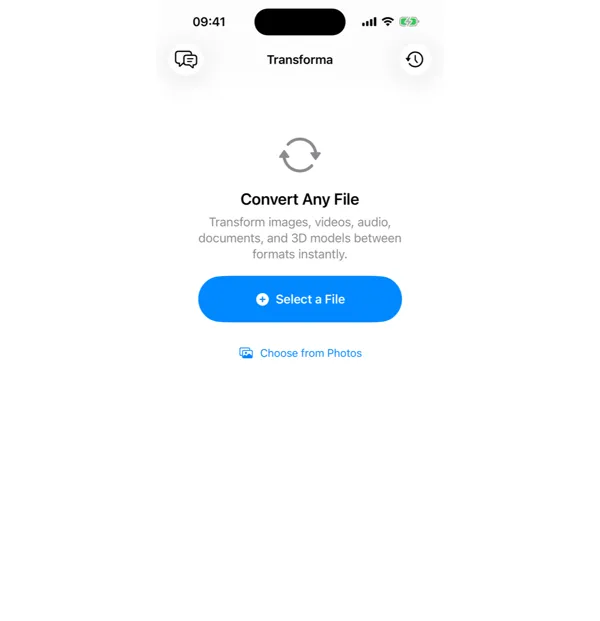
Select your PDF file
Open Transforma and tap "Select a File" or "Choose from Photos" to pick your PDF file.
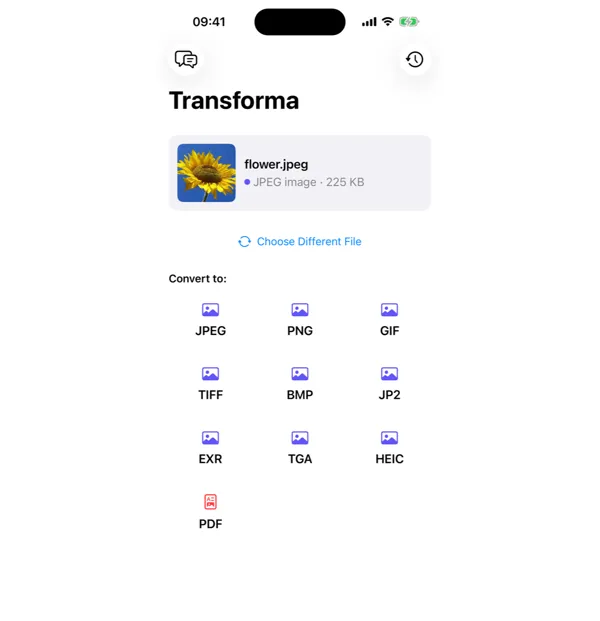
Tap DOCX
From the format grid, select DOCX as your output format. Adjust quality or settings if needed.
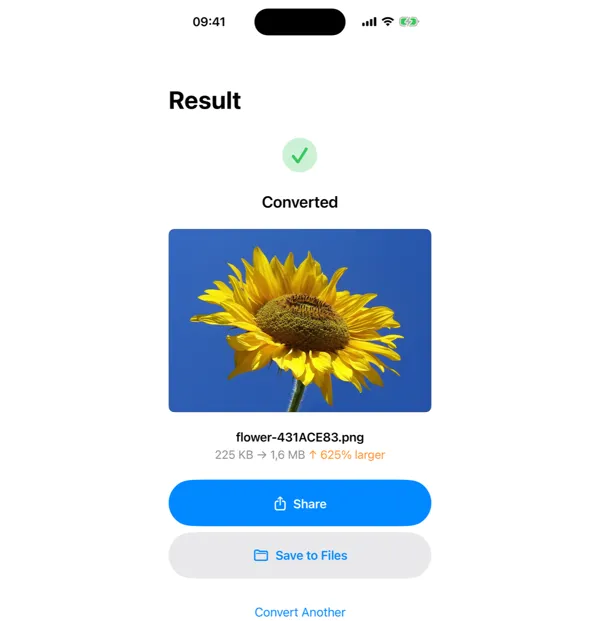
Share or save
Your converted DOCX file is ready instantly. Tap Share to send it, or Save to Files to keep it on your device.
Why Convert PDF to DOCX?
- Edit text and formatting in documents originally saved as PDF
- Collaborate on documents using Microsoft Word or Google Docs
- Extract and reuse content from PDF reports or forms
- Make changes to contracts, proposals, or academic papers
How PDF to DOCX Conversion Works
PDF-to-DOCX conversion extracts text content, formatting, and layout structure from the PDF and reconstructs them as editable Word elements. Transforma uses Apple's PDFKit to parse the PDF document structure, extracting text runs, font styles, paragraph spacing, and page layout. The output DOCX preserves headings, body text, lists, and basic formatting. Complex layouts with multi-column text, embedded forms, or scanned images may not convert perfectly — scanned PDFs require OCR, which is a different process.
Common Use Cases
- Editing a contract or proposal received as a PDF before sending it back
- Extracting text from academic papers or research PDFs for note-taking
- Updating an old resume or CV that only exists as a PDF
- Converting PDF reports into editable templates for future use
PDF vs DOCX — Key Differences
| Feature | DOCX | |
|---|---|---|
| Description | PDF (Portable Document Format) preserves document formatting across all devices and platforms. It's ideal for final documents, but editing a PDF directly is often difficult without specialized software. | DOCX is Microsoft Word's document format, designed for easy editing. It supports rich text formatting, tables, images, and track changes. Converting to DOCX lets you freely edit document content. |
Tips for Best Results
- Simple text-heavy PDFs convert best — expect near-perfect results for letters, reports, and articles
- PDFs with complex tables or multi-column layouts may need manual cleanup in Word after conversion
- Scanned PDFs (images of text) will not produce editable text — you need OCR software for those
Why Use Transforma?
100% On-Device
Your files never leave your iPhone. No servers, no uploads, complete privacy.
Instant Conversion
No waiting for uploads or downloads. Conversions happen in seconds.
Works Offline
No internet needed. Convert files anywhere — on a plane, in the field, offline.
One-Time Purchase
$4.99 once. No subscriptions, no ads, no limits. Convert as much as you want.